How Calistack works
Install Calistack and sign in with Google, Apple or email. Answer two questions about your push-up and pull-up counts; the app applies starter unlock groups at five and ten reps, then opens four skill trees. Choose a node, follow the guided workout and unlock the next step as you meet its benchmark.
By Calistack Team · Updated · Product details verified against the Calistack app. General information, not medical advice.


Install and sign in
Calistack is free to download on iOS and Android. Sign in with Google, Apple or email so your progress can be tied to your account and synced across devices.
A short how-to dialog explains the app on first use, and the app offers per-screen tips as you go.
Sign-in methodsAnswer two questions
New accounts see the baseline assessment: your current push-up count and your current strict pull-up count. Reaching five or ten reps applies cumulative starter unlock groups on each path.
Defaults are five and five, with quick choices of five, ten, fifteen, twenty and twenty-five. There is no hollow-hold or squat input.
How the assessment worksOpen your trees
The app opens with the skill tree, a four-tab map of push, pull, legs and core nodes. Locked, unlocked and mastered states show what is available now and what comes next.
A locked node is still visible: opening it names the prerequisite, the number it needs and a shortcut to go train it. The skills tab shows the same catalog as a searchable list with status, difficulty and category filters.
How the skill tree works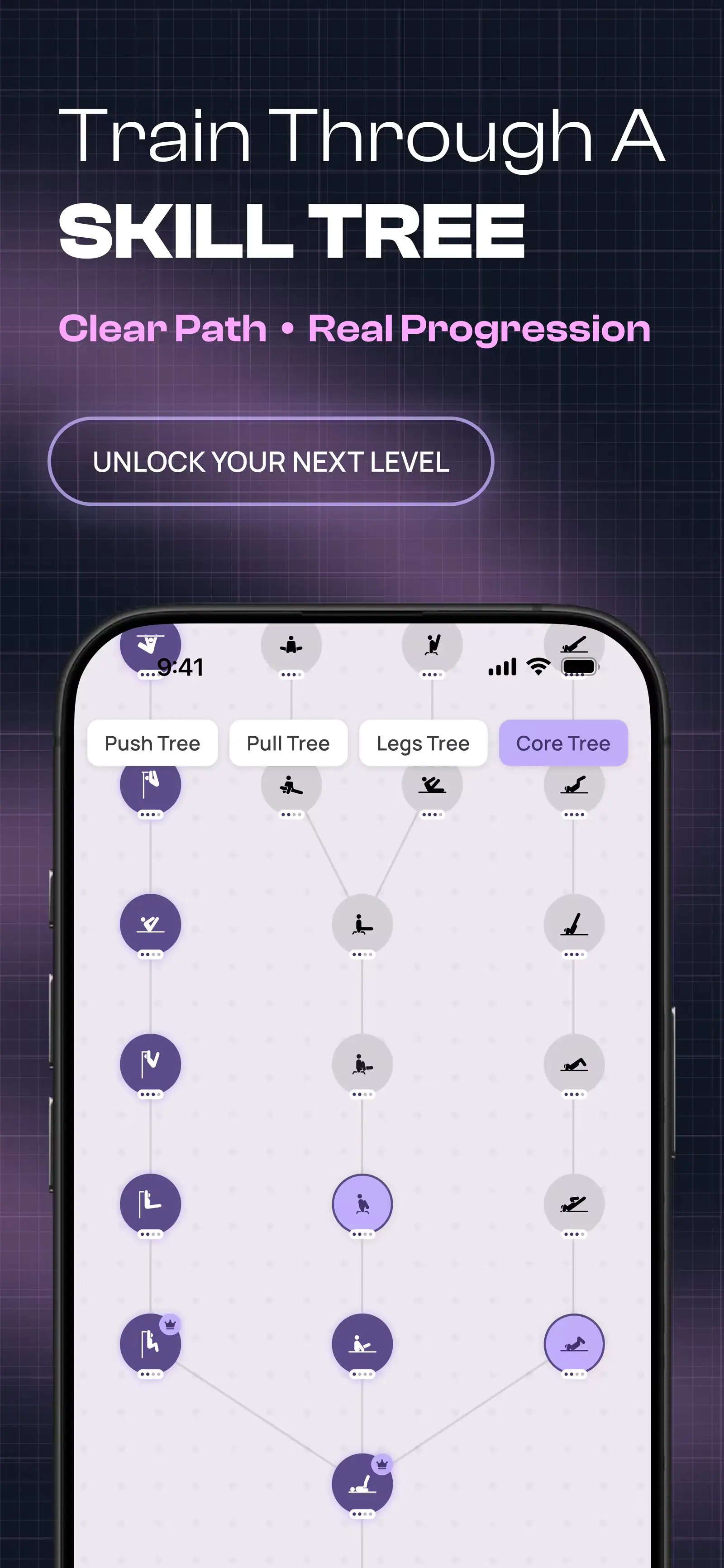
Train a node
Open a node and start a session: warm up, reorder the workout list, set reps or hold times, then follow the three-page exercise cards. Log each set as you finish it.
A 60-second rest timer runs between sets with ten-second adjustments and skip. The next-skill panel stays visible during rest.
Inside the workout player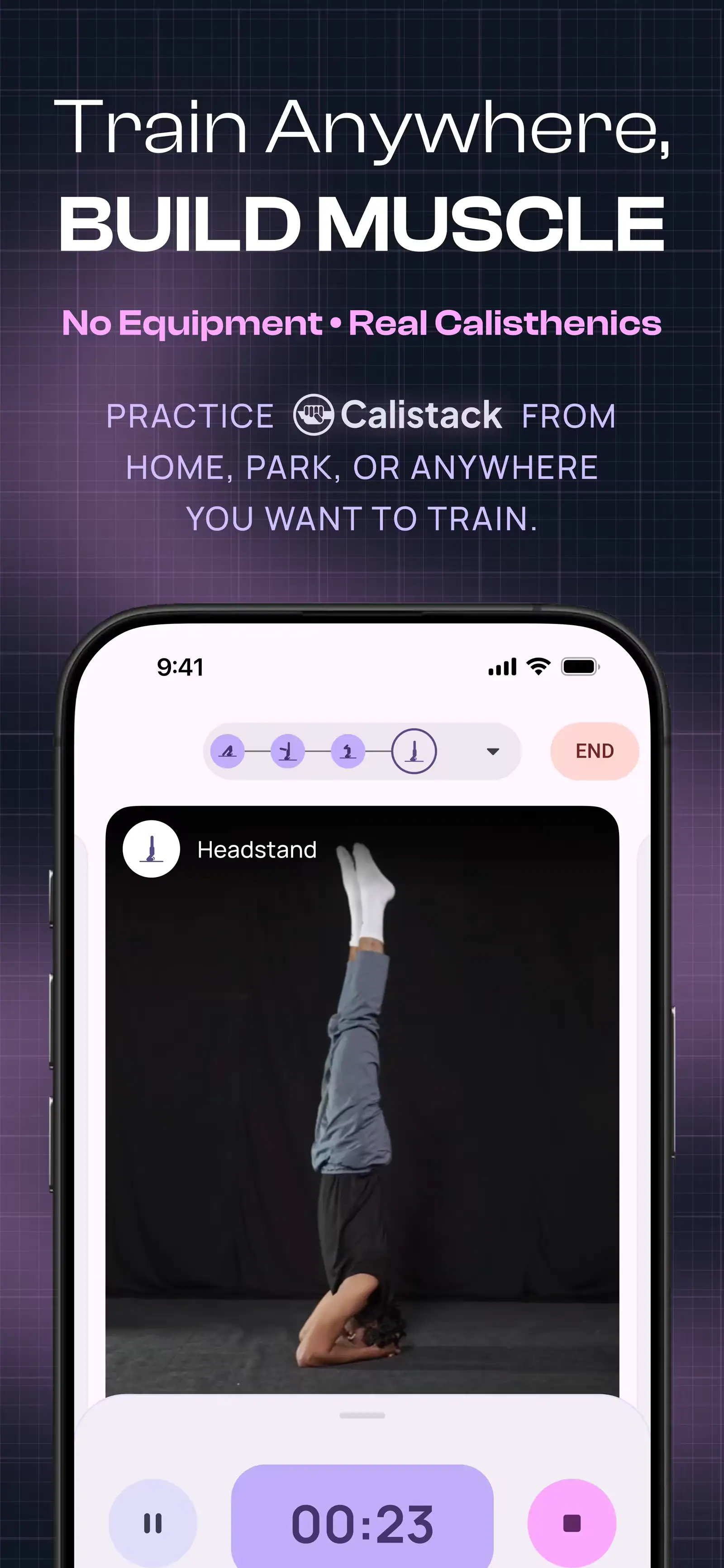
Unlock what is next
Logging a set is what moves you. The app checks that set against the unlock rules attached to the skill you trained. Meet the number and the next node opens; a locked node warns you first and still lets you start. A node is marked mastered when your best set reaches its benchmark and your lifetime work reaches the node's total target.
History, a muscle-involvement map and weekly totals keep the progress visible between sessions.
Progress tracking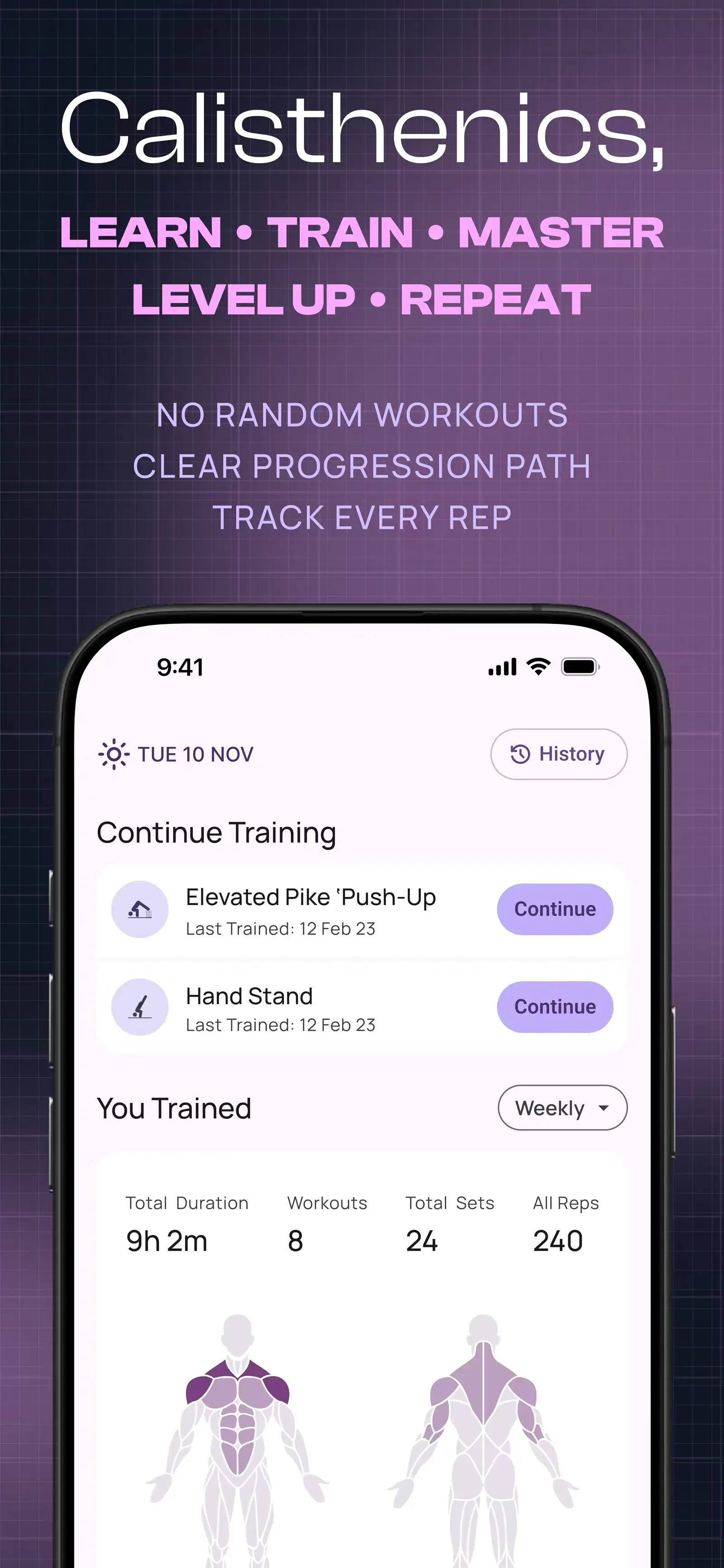
Equipment and setup
Floor and wall
Pushing, core and many handstand progressions use only the floor and a stable wall.
A secure bar
Pulling paths need a proper pull-up bar or park bar. Do not improvise a hanging point.
A way to log
The app stores sets locally. Signing in adds cloud sync across devices.
Local training, account-based sync
Calistack keeps training data in a local database, so offline sessions and history work without a connection. When you sign in, queued changes upload and the app can restore your progress on another device. There is no web dashboard for account data, and the website does not read or change your training records.
- Local first: training and history work offline.
- Cloud sync: account-based, queued and retried in the background.
- Manual force sync: refresh the catalog from settings when needed.
See offline training and sync for the full explanation.
Starting questions
Do I need an account to start?
You sign in during onboarding with Google, Apple or email. The account is how cloud sync and cross-device progress work; training data is also stored locally on the device.
How long does onboarding take?
The baseline assessment is two counts and a few taps. The app then opens the skill tree. Reading the short how-to dialog and checking the tree takes a few more minutes, but there is no placement workout you have to perform first.
What if I cannot do five push-ups?
The counts are a starting aid, not a gate you have to pass. The tree includes earlier variations, and the app is designed to let you choose a manageable version. If you are unsure, treat the first sessions as practice and seek coaching when needed.
Can I skip the warm-up?
The warm-up is a guided step before the session, not a forced timer. The app recommends it and keeps a stop-if-it-hurts message. Skipping it is a choice about your own preparation, not a feature that changes your progress data.
Ready to see your tree?
Free to download on iOS and Android.
Details match the Calistack app inspected on 2026-11-14. App behaviour and store availability can change; the store listing is the source of truth.