Get Calistack on your phone.
Calistack is available on iOS and Android with a free download and optional premium features. Start with the baseline assessment and explore the skill-tree roadmap, then choose training that fits your current ability. Check your regional store listing for current pricing and device compatibility before installing.


228
Workout Nodes
Zero
Gym Required
Free
Baseline & Map

Open on your phone
Scan to open this page, then choose App Store or Google Play.
Free vs premium, without surprises
The app is free to try. Premium is optional, and pricing is localized by Apple and Google, so the store listing for your country is the only accurate price source.
Free
- Free download on iOS and Android
- Two-question baseline assessment
- Four skill trees: push, pull, legs and core
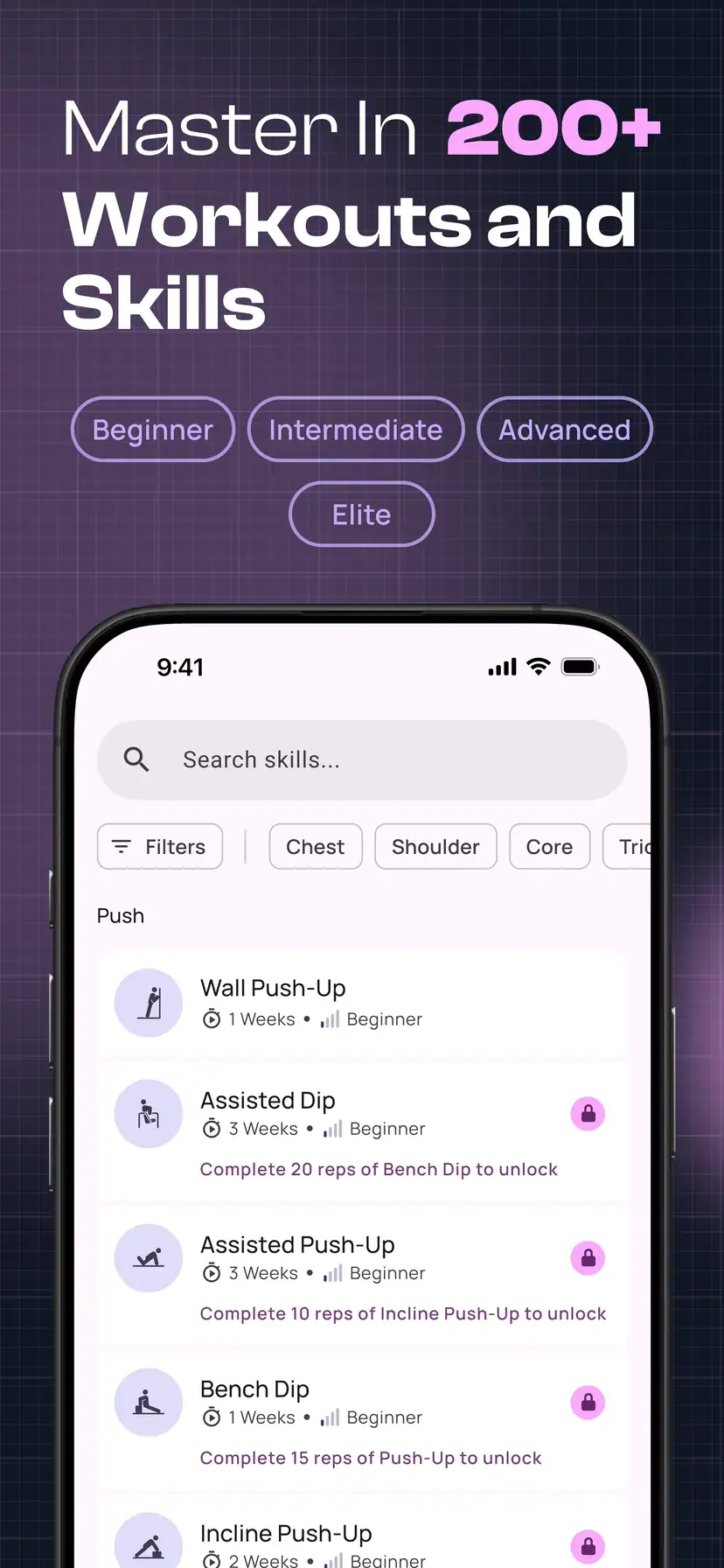
- A set of workout nodes available without Pro
- Workout history, favourites and weekly session planning
Premium (optional)
- Premium workout nodes, marked with a Pro badge in the skill list
- The full training path across the premium catalog
- Purchase restore on a new device
- Current price and offers are shown in the store listing or the in-app paywall
Prices vary by country and change over time. Check the App Store or Google Play listing for your local price and current entitlements.
A map, a baseline, and a clear next step
What happens after you install
Test Your Level
Enter push-up and pull-up counts. Onboarding applies workout unlock groups at the 5- and 10-repetition gates.
Open Your Tree
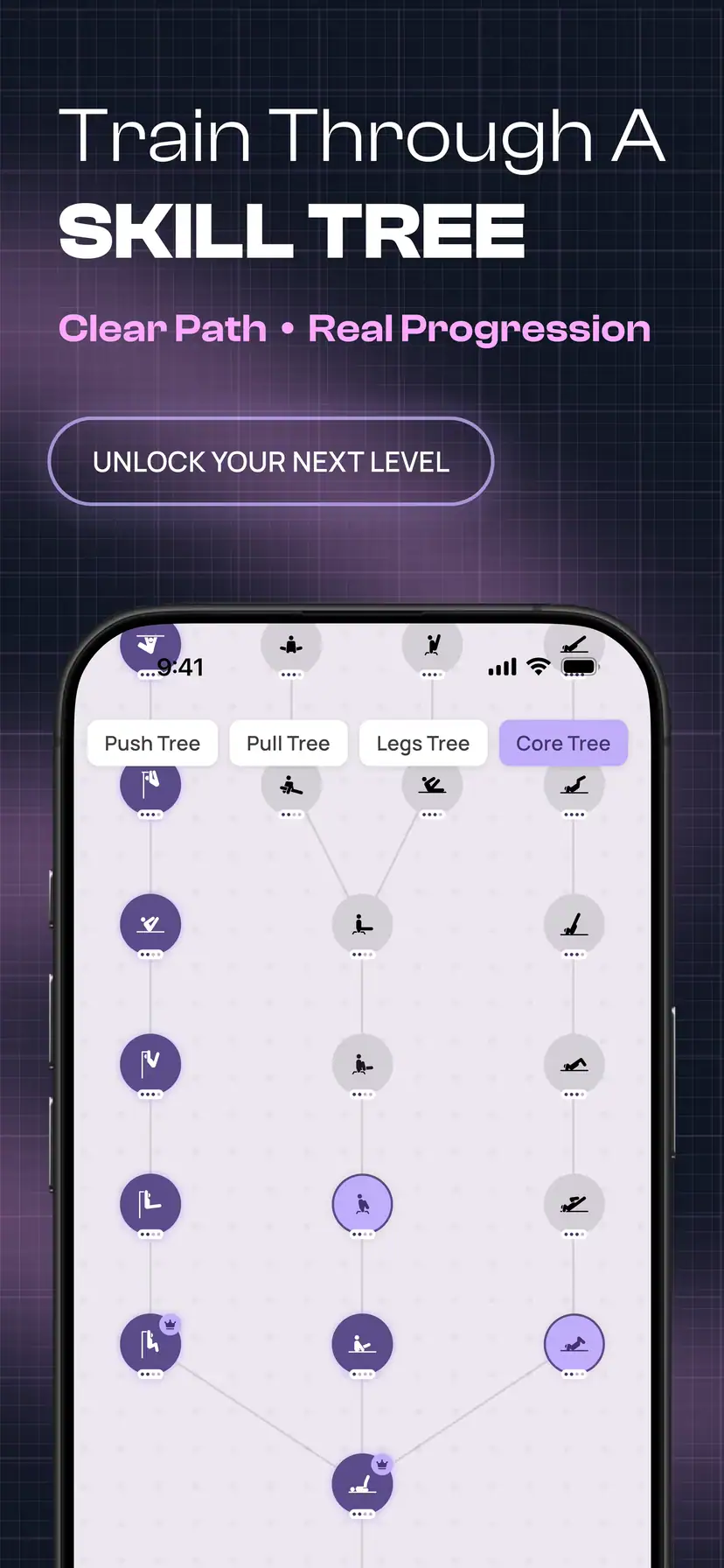
See the connected path across Push, Pull, Core and Legs, including the prerequisites for handstands, muscle-ups and levers.
Follow the Workout
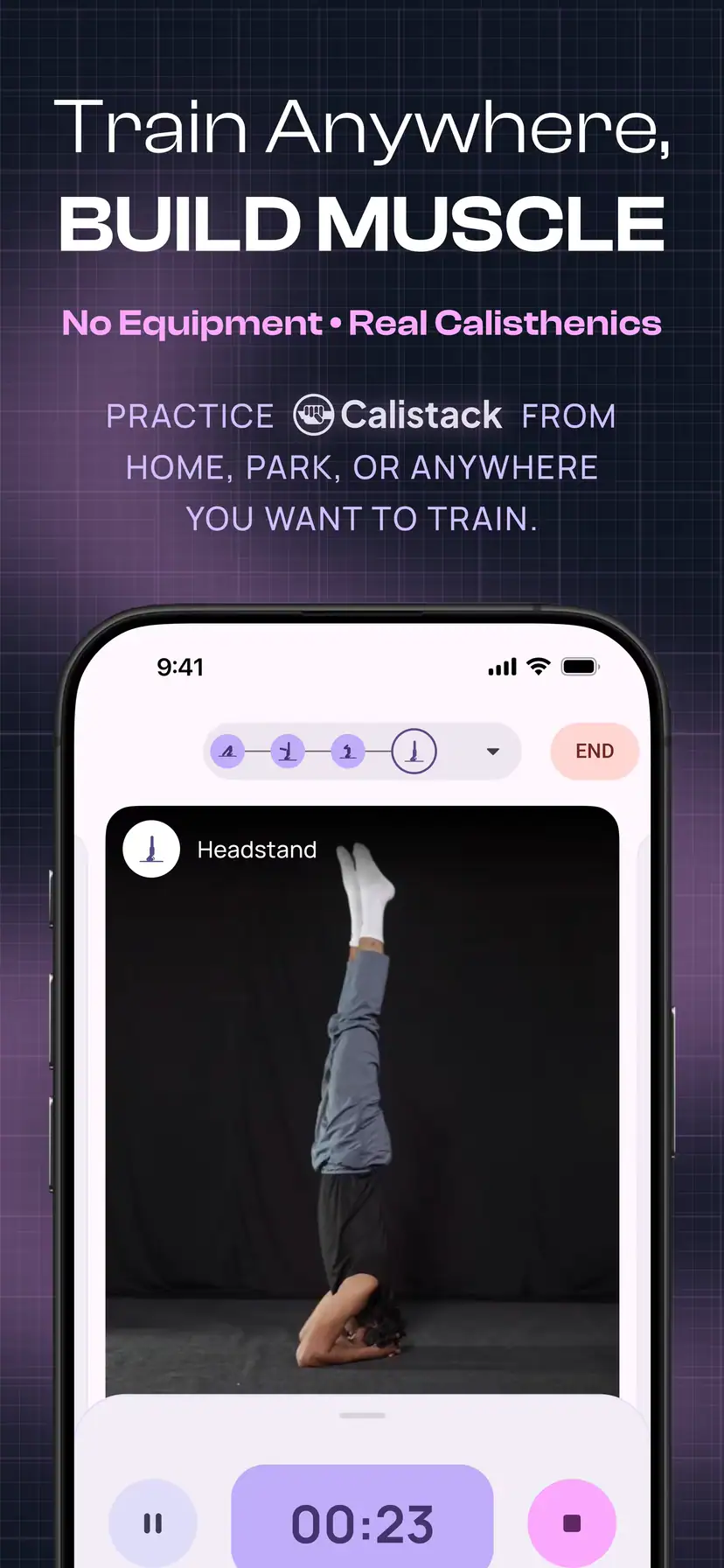
Each node gives sets, reps or holds, a demonstration video, written form cues and warm-up guidance.
Unlock the Next Move
Log a set that meets a node's unlock rule and the next node opens. The app warns you before you jump ahead, and marks a node mastered when its best-set and lifetime-volume benchmarks are met.
Before you download
Is Calistack free to download?
Yes. Calistack is free to download on the App Store and Google Play. The baseline assessment, the four skill trees and a set of workout nodes are available from the start; some workout nodes are premium and open with Calistack Pro. Current pricing is shown on the store listing for your country.
Do I need a gym or equipment?
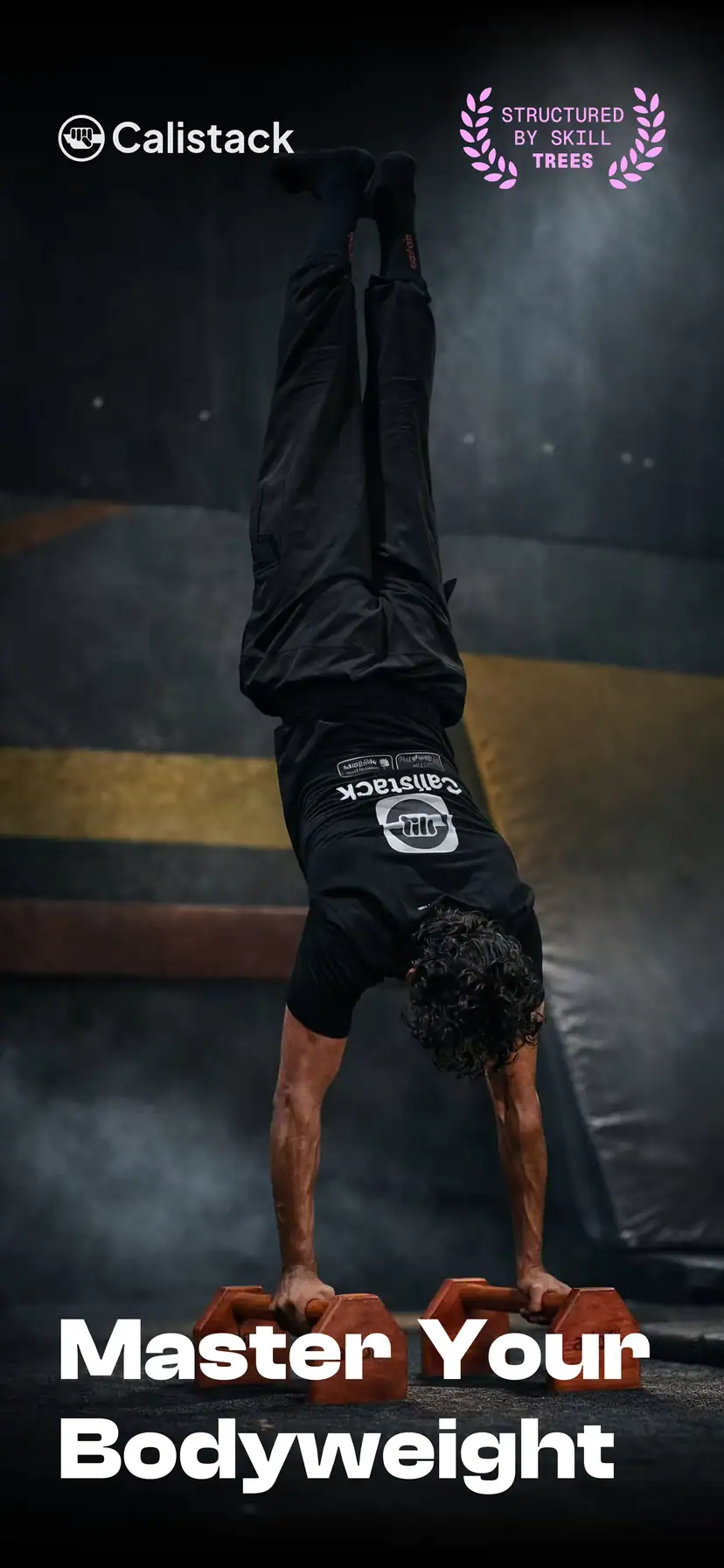
No gym is required. Most push, core and handstand progressions use only the floor and a wall. Pulling paths such as pull-ups, muscle-ups and front levers need a doorway pull-up bar or a park bar once you reach those nodes.
What happens after I install the app?
Open Calistack and enter your current push-up and pull-up counts. Onboarding applies unlock groups at 5 and 10 repetitions, then opens your tree. These app gates do not certify individual technique or medical readiness; choose a manageable movement and seek coaching when needed.
Can I train offline?
Yes. Calistack stores training data locally and supports offline sessions. When you reconnect, your progress syncs back to the cloud if you signed in with Apple, Google or email.
Does the price change by country?
Yes. App Store and Google Play localize prices, currencies and taxes by country, so Calistack does not publish a single global price. Use the store button on this page and check the listing for your region.
Can I switch from another calisthenics app?
Yes. Enter your current push-up and pull-up counts to apply the app’s onboarding unlock groups, then choose suitable work from the tree. The website preview does not transfer another app’s history or synchronize your Calistack account.
Last updated: 7 November 2026. Pricing and features can change; the store listing is the source of truth.
Ready to open your first nodes?
Download free, take the two-minute assessment, and see the path.